Plan a music dance edit from a motion clip
The video supplies the dance motion. Review a sample, test a photo in the studio, then check the movement against your song in your own edit.
Loading the dance studio…
Overview
Start with a movement you can identify without sound
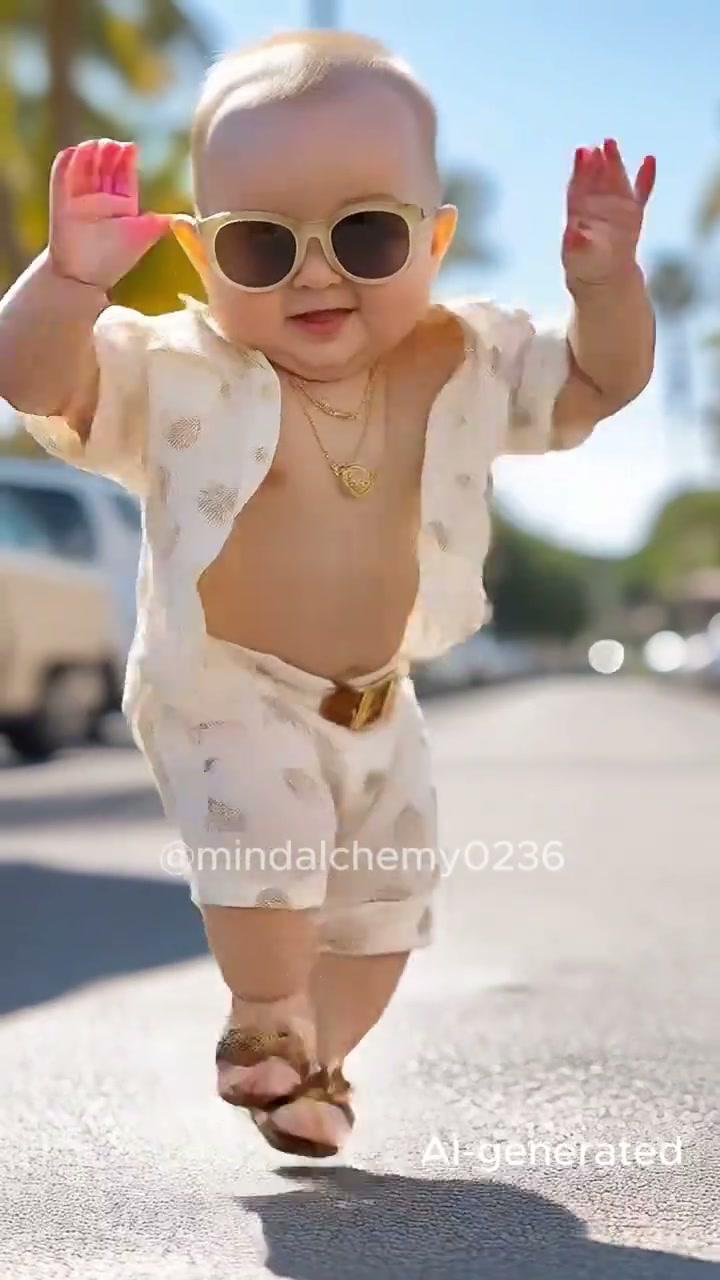
In the example, the subject turns to the side around 0:07 and reopens the arms near 0:12. With the sound off, those visible gestures are useful reference points for your edit.
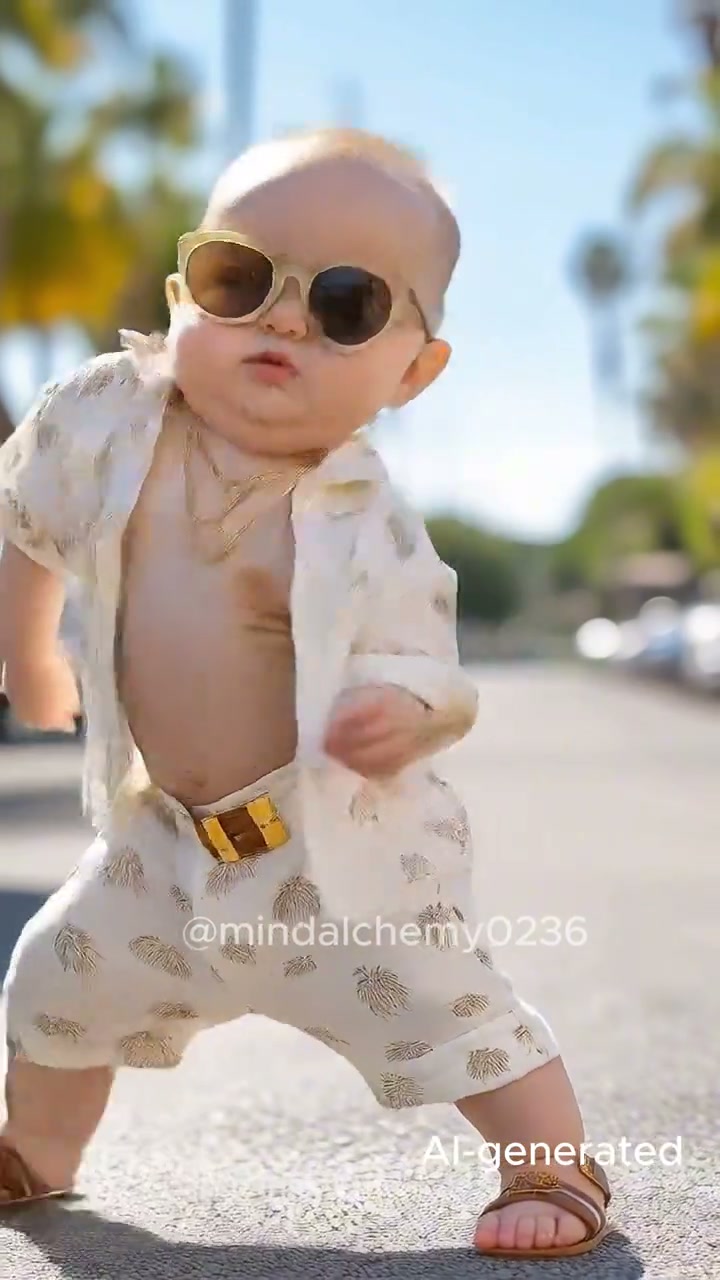
Preview
Sync beats, export in HD
Features
What to check in the frame
Use the visible changes in the sample to choose a photo.
Pick a visible movement cue
Choose a step, turn, or clear change of arm position. It is easier to time the edit against that cue than against a general instruction to follow the music.
Listen after testing the picture
The dance studio has no separate music input. Open your video and audio in an editor you use, then decide where the movement should land in the track.
What to check before you keep the result
Use the reference as a test, not a prediction of the generated clip.
Compare one edit point at a time
First check the movement where you want the edit to start. Then check the last movement; if it lands awkwardly, adjust the cut or select a different reference.
Change the clip rather than chasing timing with prompts
If the reference has a long wait or changes pace, choose a shorter portion with the local reference check first. A different visual prompt is not a substitute for a better timed reference.
Prepare and review the clip
Prepare your photo and reference before starting a generation.
Choose a photo
Use a still you have permission to send to the studio.
Keep or replace the reference
The shown example is selected to start. You can supply a motion video of your own instead.
Review the result
Pause where the direction changes or the subject reaches the edge. Keep the clip only if it retains the details you need.
More tools
Explore other dance generators
Pick another template to keep your momentum going.
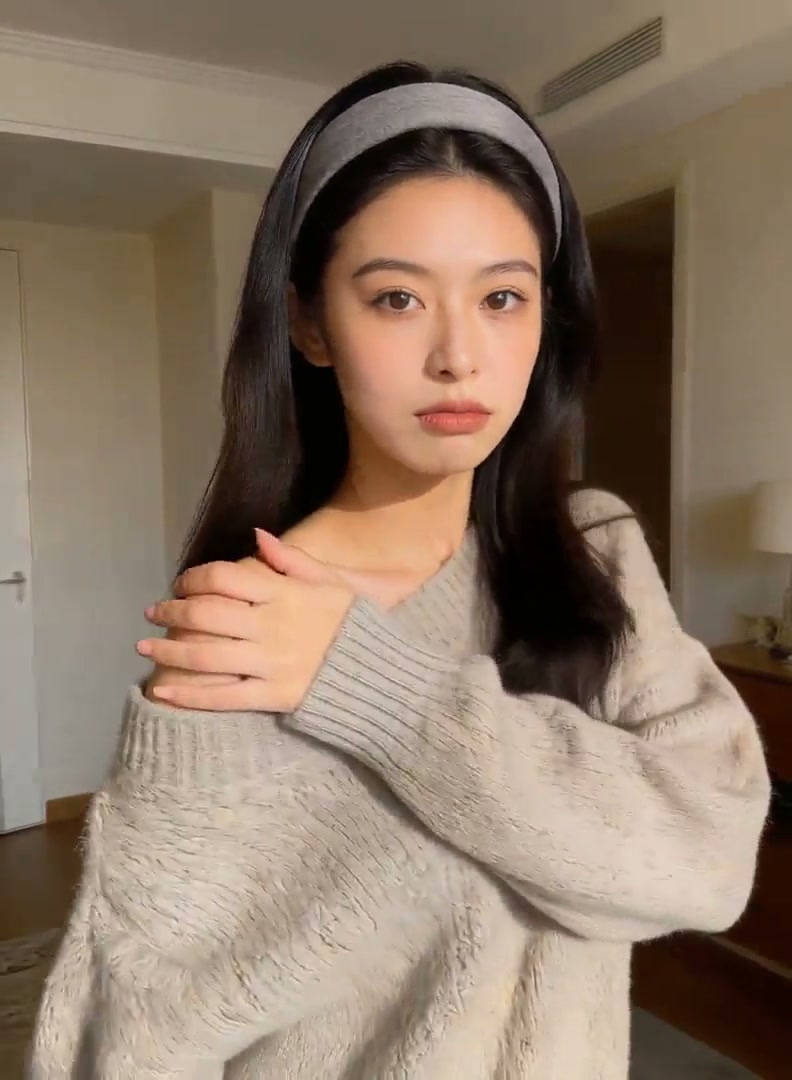
AI Dance Generator
Check a reference clip and use it to guide the motion of a still photo.
Open tool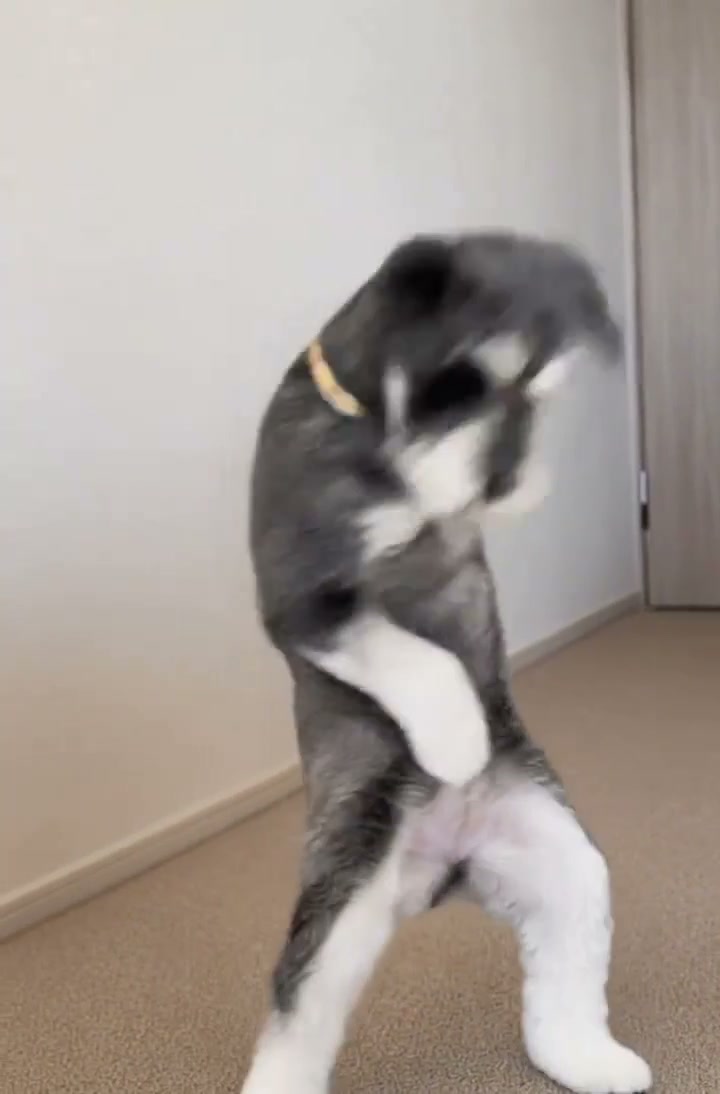
Dance Trend Examples
Compare dance trends before deciding which movement to try with your photo.
Open tool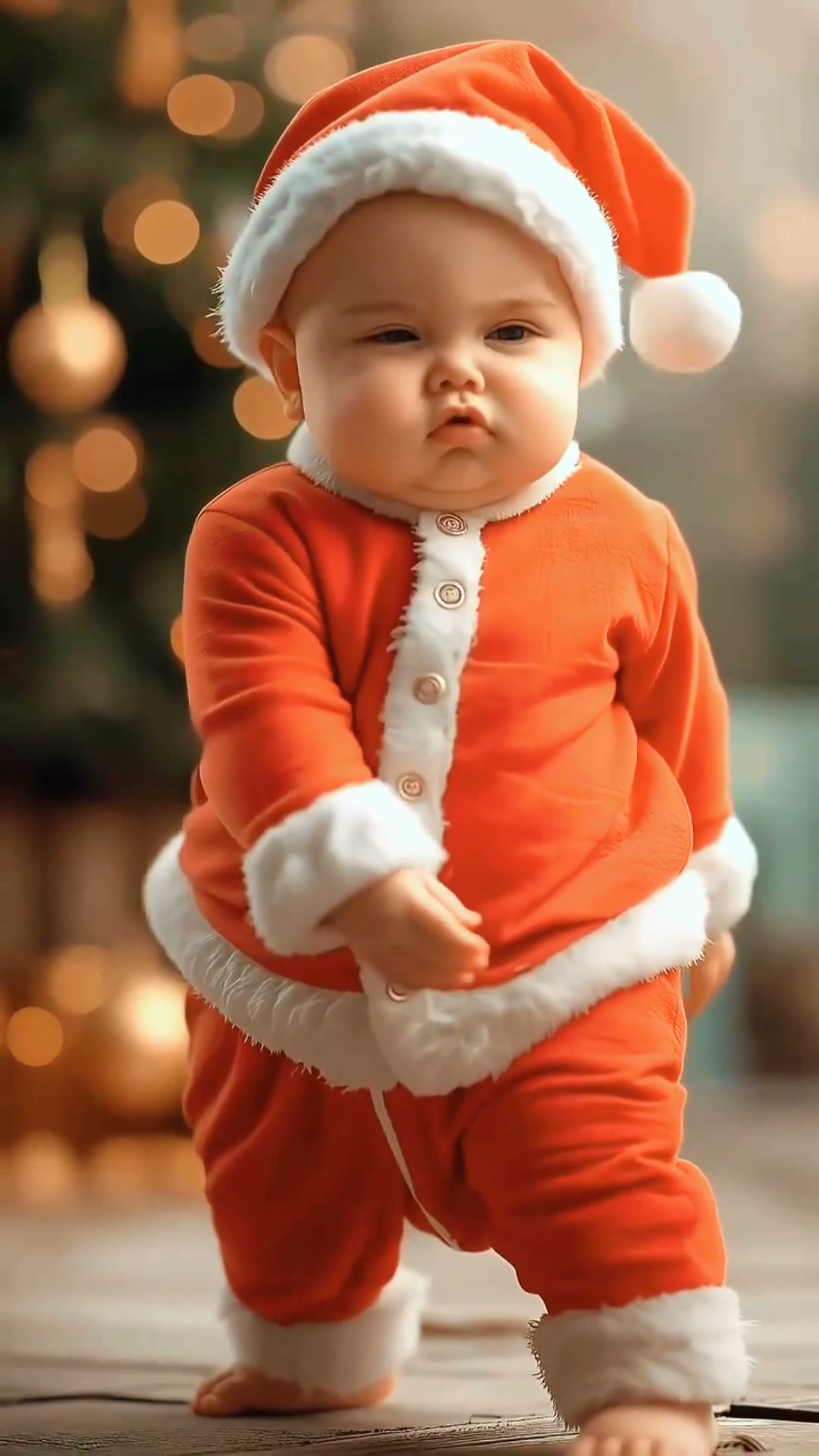
AI Baby Dance Generator
Explore a gentler dance example for a family photo you have permission to use.
Open tool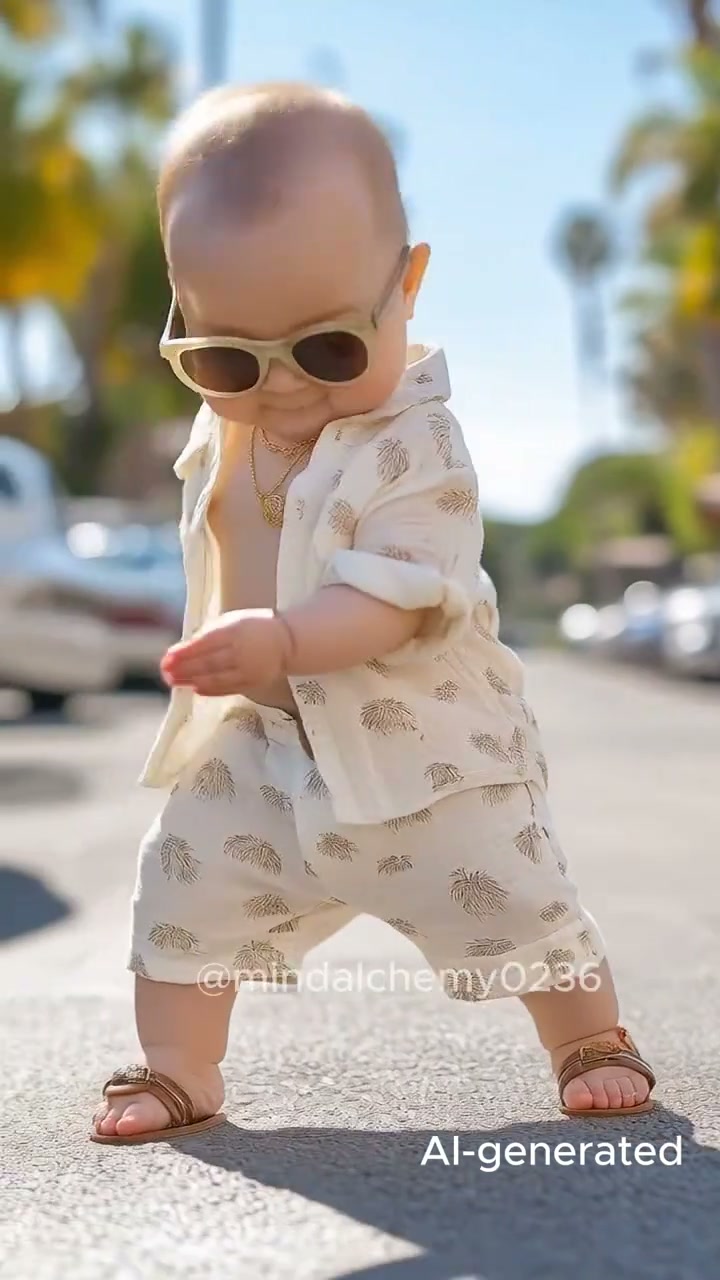
Music Music Dance
Preview the Music Music dance and see its repeated movements before opening the studio.
Open toolQuestions about this reference
Independent service notice
AnyDance is an independent tool and is not affiliated with the people, platforms, or styles shown in these examples.
Test one movement before adding a song
Prepare your photo and reference before starting a generation.